China’s online visa application lets U.S. applicants complete the form, upload documents and receive a preliminary review. It does not eliminate physical passport submission. Start at the official China Online Visa Application portal, select the embassy or consulate responsible for your residence and follow that office’s instructions.
The easiest way to avoid rework is to prepare the passport, supporting evidence and travel details before opening the form. The number entered online must match the passport you will submit.
Before you begin: choose the correct office
U.S. applicants use the Chinese Embassy or the consulate serving their consular district. Do not choose Los Angeles merely because you will fly from LAX, and do not follow an overseas visa-center guide as though it described U.S. filing.
Use the office’s own jurisdiction instructions and your current residence. If you need local support, our Los Angeles China visa page explains the private-service route.
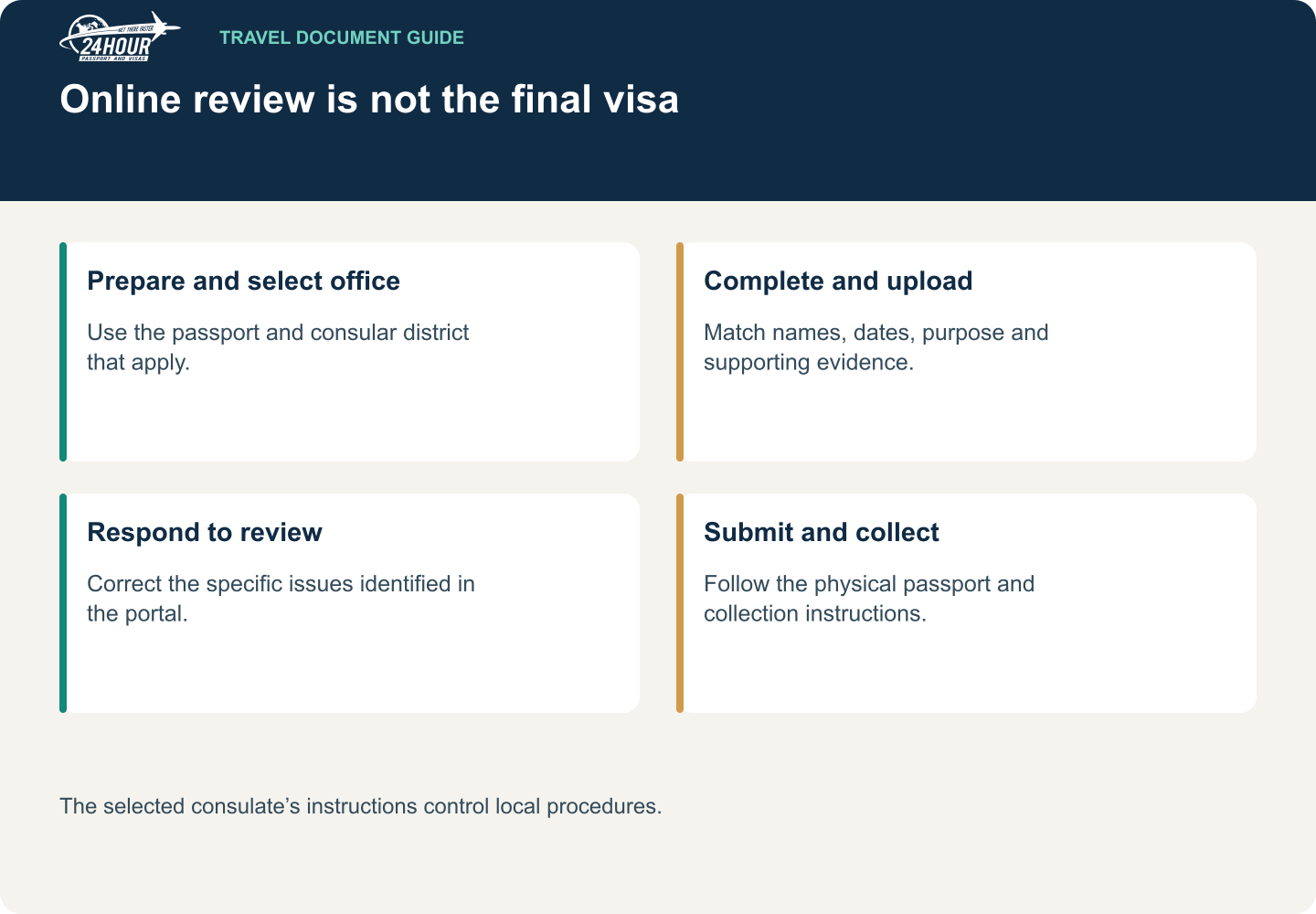
Read this graphic as text
- Prepare and select office: Use the passport and consular district that apply.
- Complete and upload: Match names, dates, purpose and supporting evidence.
- Respond to review: Correct the specific issues identified in the portal.
- Submit and collect: Follow the physical passport and collection instructions.
The selected consulate’s instructions control local procedures.
Step 1: Prepare a consistent document file
Have the passport bio page, a suitable photo, proof of residence and the documents for your visa category ready. Previous Chinese visas, former Chinese citizenship, a legal name change or a child’s circumstances can create additional requirements.
Name the files clearly for your own use, such as passport, residence and invitation. Check every edge of each image. A sharp scan of half a document is still incomplete.
Check the passport’s validity and usable pages before uploading. If it needs renewal, complete that first rather than creating an application around a number you will shortly replace.
Step 2: Complete the form carefully
Register or sign in using the official portal. Read its guidance and select the correct office before starting. The form gathers personal, employment, education, family, travel and previous-travel information, along with the visa request and declarations.
Auto-filled or automatically recognized passport information still needs checking. Compare the name, date of birth, passport number, issue date and expiration date with the actual document.
Do not invent an employer, omit a relevant period or use a guessed travel date simply to move to the next screen. Use any permitted explanatory field when an answer needs context.
The New York consulate’s online application guide describes saved drafts and the review process. Follow the active portal’s file-format and size requirements rather than an old checklist saved on your computer.
Step 3: Audit the application before submitting
- Passport information matches the book being submitted.
- The visa category matches the trip’s real purpose.
- The invitation, itinerary and form agree on names, places and dates.
- Residence evidence matches the selected consular district.
- Uploads are complete, readable and assigned to the correct applicant.
- Any former visa, citizenship or name-change documents have been addressed.
For a family application, compare each child’s record individually. One account holding several applications does not merge their document requirements.
Step 4: Respond to online review comments
Monitor the application status and read any request for corrections or supplementary documents. A returned application for modification is a request to fix the specified issues; submitting another version without understanding the comment can create confusion.
Keep the reference number and a record of what you changed. Do not email documents as a substitute for uploading them when the selected office requires changes through the portal.
Step 5: Submit the passport when instructed
When the status permits passport submission, prepare the printed information or barcode page and the originals your office requires. Preliminary online acceptance is not a visa decision.
Los Angeles’s application instructions require physical submission within 30 days after the relevant online approval stage. Other offices’ local instructions control their own procedures. Confirm who may submit and what must be presented before making the journey.
Step 6: Collect and inspect the document
Follow the pickup notice, payment method and collection instructions. Inspect the visa’s name, passport number, entries, validity and permitted stay promptly. The visa requested on the form may differ from the visa issued.
Use our China visa timing guide to plan the separate preparation, review, submission and collection stages.
Frequently asked questions
Is the online arrival card the visa application?
No. An arrival card and a visa application serve different purposes. Completing one does not replace the other.
Can an agency help with the online form?
A private provider can assist with preparation and permitted submission arrangements. Contact 24 Hour Passport & Visas before starting if you want help coordinating the file. Keep your account access secure and use the agreed process for review.
Tell us your destination, departure date and application status. Call first to arrange a visit to our Los Angeles office.
Call (310) 913-7804