A rejected U.S. passport photo can mean a vendor warning, an online upload failure or a government request after you apply. Identify the stage first. If Passport Services sends you a letter or email, follow that notice for your existing application. A replacement-photo request is not automatically a final denial, but the application may be delayed until the requested information arrives.
Do not start by submitting another paid application. First identify what was requested, the response deadline and the return method for your existing case.
First identify who rejected the photo
| What happened? | What it means | Your next action |
|---|---|---|
| An app or photo vendor flags your picture before you apply | A vendor assessment, not a government application decision. | Compare the original with the official requirements. Retake any genuine problem; do not assume buying an edit or a new application is required. |
| The online renewal system will not accept an upload | A pre-submission file or basic photo check. | Start with the original JPG/JPEG, PNG, HEIC or HEIF file, between 54 KB and 10 MB under the current digital-photo instructions. Read the displayed error, then use the application’s permitted positioning tools or choose a new photo. A successful upload is not final approval. |
| Passport Services sends a letter or email after submission | A request connected to your existing application. | Follow that notice’s deadline, application reference and return method. Do not send a replacement to a generic first-application address. |
Read the notice before retaking the photo
The State Department’s response instructions explain the deadline: they need the requested information within 90 days of the date on the letter. Allow time for delivery and follow your own notice’s due date and return instructions.
Find these details and keep them together: your application number, the stated photo problem, the due date and the full response address or approved electronic route. Send the response to the address on the notice, not an address chosen from a general application guide.
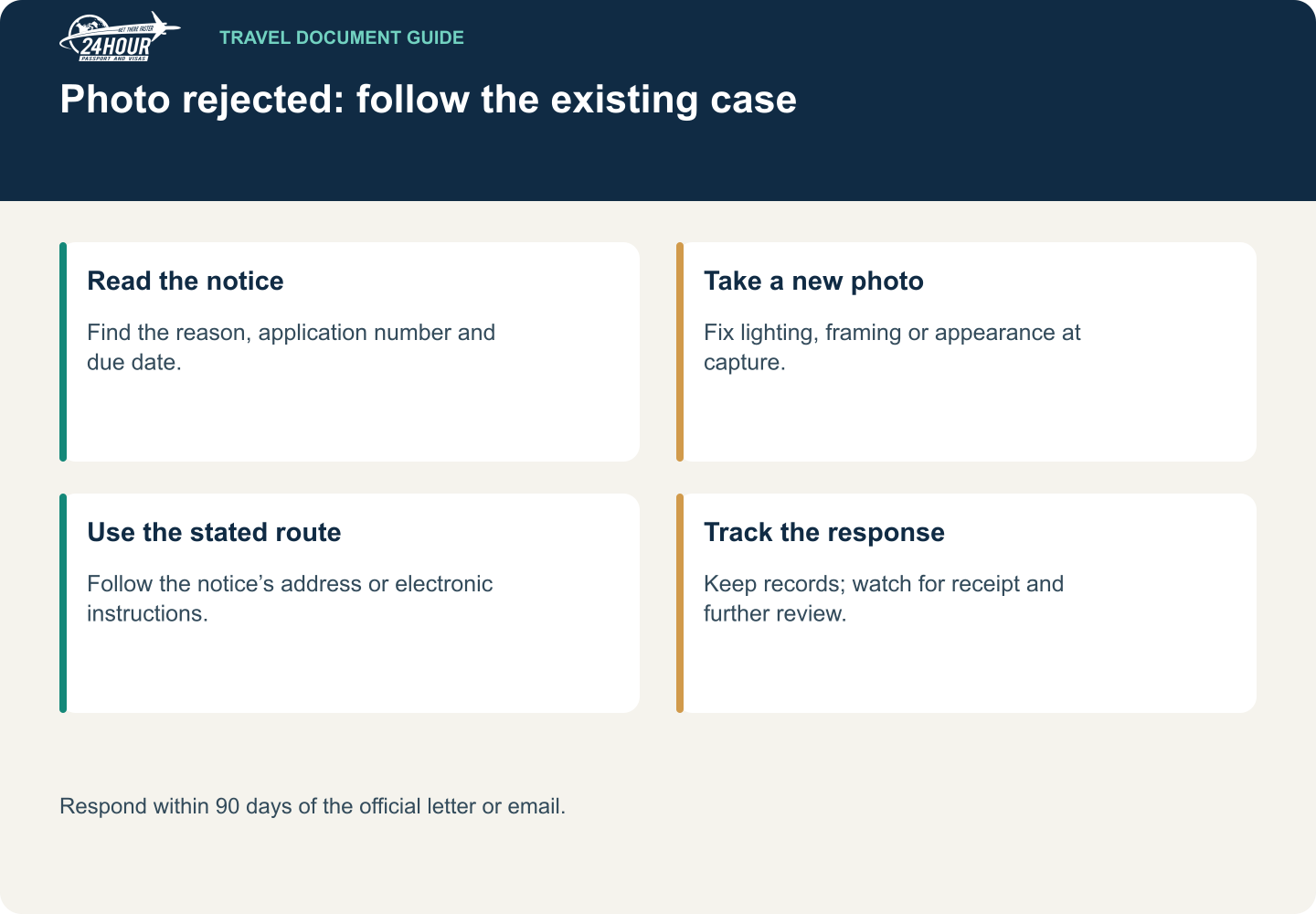
Read this graphic as text
- Read the notice: Find the reason, application number and due date.
- Take a new photo: Fix lighting, framing or appearance at capture.
- Use the stated route: Follow the notice’s address or electronic instructions.
- Track the response: Keep records; watch for receipt and further review.
Respond within 90 days of the official letter or email.
Common photo problems and what actually fixes them
| Problem | Fix |
|---|---|
| Face or background shadows | Retake with even lighting and a suitable physical background. |
| Wrong print size or head size | Capture sufficient space around the head and produce a correctly sized print. |
| Blurry, grainy or low-resolution image | Take a sharp original photo; enlarging a poor image will not restore detail. |
| Glasses or obscured facial features | Remove glasses unless a documented official exception applies, and keep the face clear. |
| Retouching, filtering or an altered background | Submit a new, unaltered photograph. |
| Old or reused image | Take a recent photo that meets the six-month recency requirement. |
Use the government’s acceptable and unacceptable photo examples to diagnose the problem. A vendor’s “passport size” label does not override the actual specifications.
A useful retake diagnosis
Example: the notice says the head is too large. Changing the shirt or buying another print of the same tightly cropped image does not address that problem. Start with an original that leaves enough space around the head, produce the correct final framing, and measure the print when a printed photo is requested.
If an online upload succeeds, an employee still reviews the photo after submission. A successful file check is not final approval. Likewise, mailing tracking shows delivery, not acceptance of the replacement or a guaranteed passport completion date.
Do not repair a rejected photo with AI
Removing a shadow, changing the wall behind you or smoothing your face can turn one problem into another. Take a new photograph under better conditions instead. Ask a photographer to preserve your natural appearance and avoid beauty filters or digital background replacement.
For a home retake, use our passport photo setup guide. For clothing or headwear questions, see what to wear.
Paper application or online renewal?
A mailed application normally uses a printed photo. An online renewal uses a digital image and may provide a different response method. Follow your case-specific instructions rather than mailing a print when the notice asks you to upload a file, or uploading a file when a physical response is required.
If an online system will not accept the file before submission, that is a different problem from a request issued after an application enters processing. Read the official digital-photo requirements and preserve the original camera file.
Turn the notice into a response checklist
If Passport Services sent a request after you applied, use a copy of your own notice to complete this checklist privately. The website does not need your application number or identity documents.
- Case: identify the existing application number.
- Problem: copy the precise photo issue rather than guessing from a vendor’s checklist.
- Replacement: check that the new photo fixes that issue and still meets the other specifications.
- Route: confirm the complete mailing address or specifically allowed electronic response.
- Deadline: use the due date on the notice and allow time for delivery.
- Record: retain the notice, what you sent and any tracking receipt.
The official sample response letter labels these fields on an actual example. Use it to understand your notice; do not copy the sample’s address or application number into your own response.
A delivery confirmation tells you a package arrived; it does not by itself show that the photo was accepted or that the passport is ready.
If your travel date is close
Call the National Passport Information Center at 877-487-2778 about the existing application and your travel deadline. A private provider cannot bypass a photo requirement or guarantee that a case already being processed can be transferred.
Ask 24 Hour Passport & Visas about photo assistance and explain whether you have already applied. That distinction helps avoid advice intended for a brand-new application.
Frequently asked questions
Do I owe a second passport application fee?
Do not assume so. Follow the notice for your current application; a replacement-photo request is not an instruction to start over unless it explicitly says that.
Will the processing clock restart?
The application may be delayed while the requested information is outstanding. Do not rely on the original estimated completion date after a hold.
Tell us your destination, departure date and application status. Call first to arrange a visit to our Los Angeles office.
Call (310) 913-7804